
Want to try new features before everyone else? Here's how to join the Smartsupp Android beta in Google Play in five steps.
We've broken the article into a few sections:
Step 1
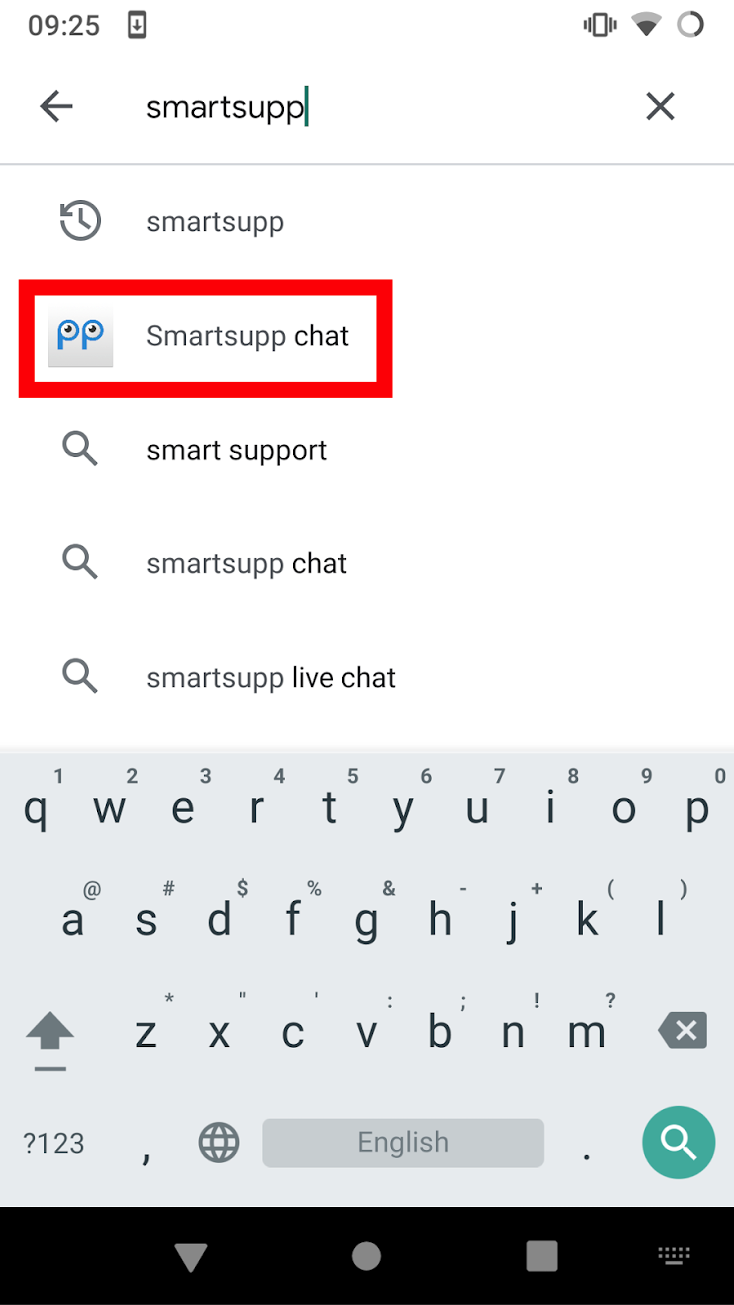
Open Play Store and search for Smartsupp chat
Step 2
Uninstall old app

Step 3
Scroll down to Join the beta

Step 4
Confirm by clicking Join

Step 5
Install Smartsupp chat (Beta)

What's next?
Smartsupp for Android — install the Android app and learn what each tab does.
Notifications troubleshooting for Android — fix missing push notifications on Android, including brand-specific settings.
iOS Beta App — get early access to new iOS features via TestFlight.